











In the era of cloud computing, the performance of cloud servers directly affects application experience, business continuity and cost-effectiveness. Choosing the right performance testing tool can help you accurately assess the CPU, memory, disk I/O, network bandwidth and other key indicators of the cloud server, providing data support for resource optimization and capacity expansion decisions. This article will recommend several mainstream cloud server performance testing tools, covering different testing scenarios and technical requirements.
Comprehensive performance test tools
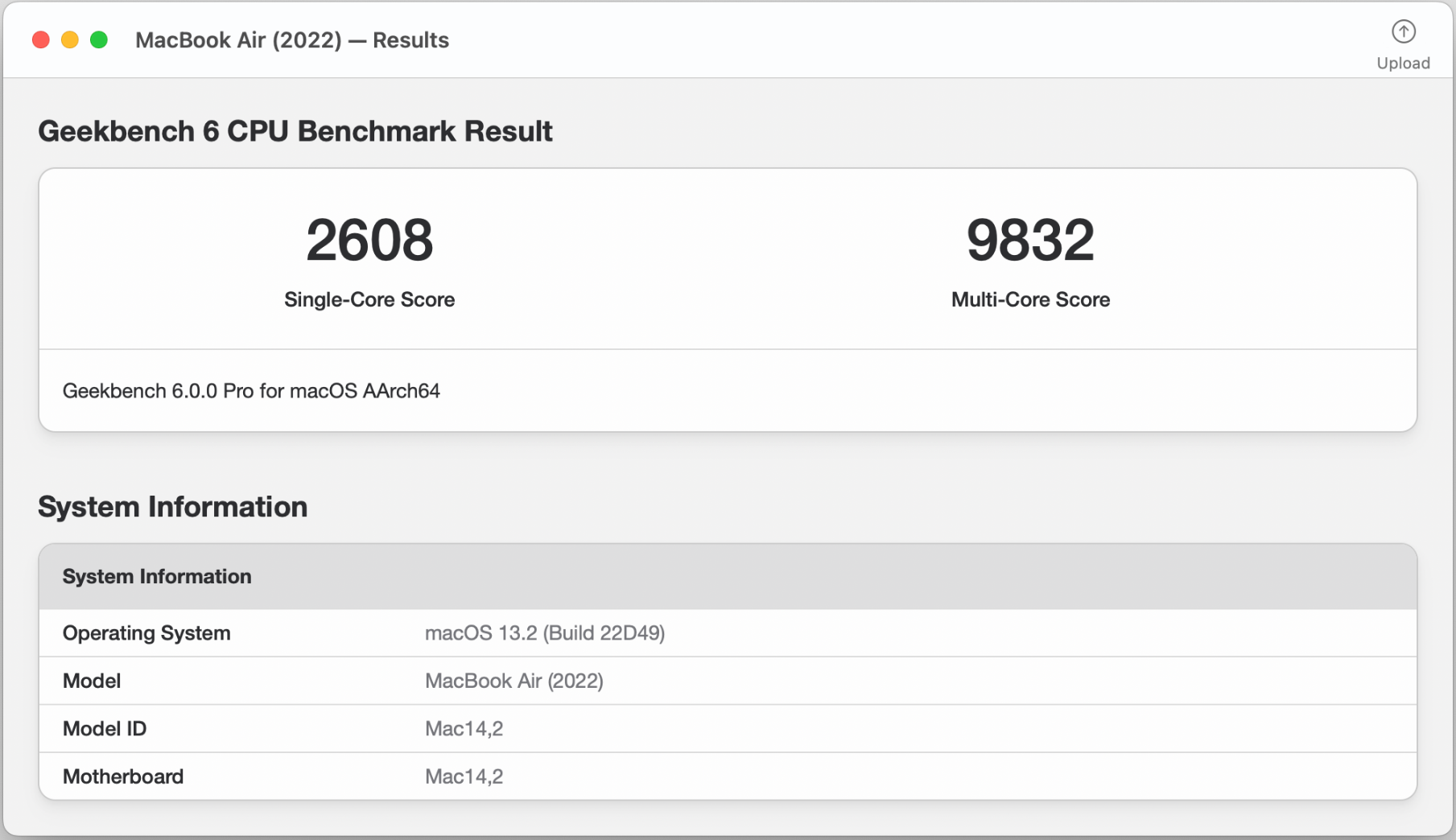
Geekbench 6
Geekbench is a comprehensive cross-platform performance testing tool that supports Windows, Linux, macOS, and other operating systems, making it ideal for evaluating the overall performance of cloud servers.
Official website:https://www.geekbench.com/
core functionality:
- CPU performance tests: including integer operations, floating point operations, memory performance, etc.
- Computing Performance Evaluation: Supports comprehensive testing of CPU multi-core performance.
- Supports multiple instruction sets: fully utilizes the performance of cloud servers with different architectures.
dominance: The test results are intuitive, providing detailed performance scores and comparison data for easy performance comparisons between cloud servers of different configurations.
UnixBench
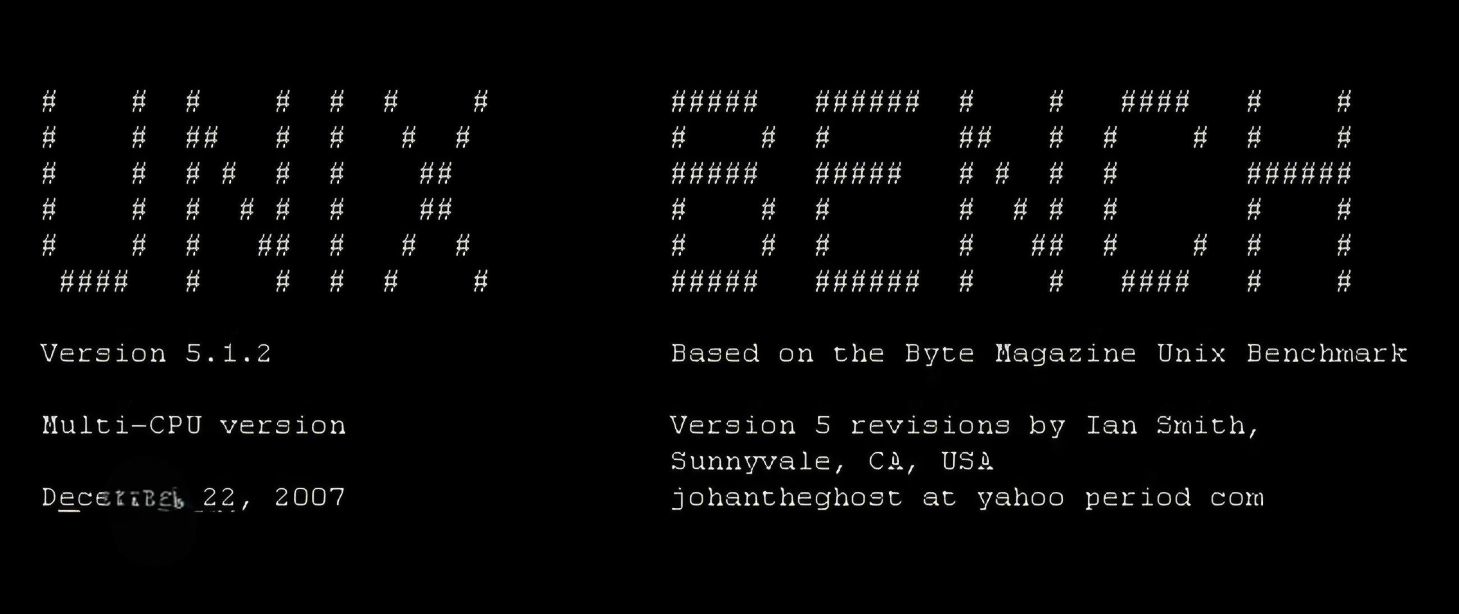
UnixBench is a classic Unix/Linux system performance testing tool that focuses on overall system performance evaluation.
Official website:https://github.com/topics/unixbench
core functionality:
- Multi-faceted testing: including CPU operations, memory access, file reading and writing, etc.
- Multi-threaded testing: can simulate multi-user concurrent scenarios
- Standardized scoring: visualization of performance through an index scoring system
dominance: Open source and free, with a long history, the test results have a high reference value, suitable for basic performance evaluation of Linux cloud servers.
CPU and Memory Performance Test Tools
Stress-ng
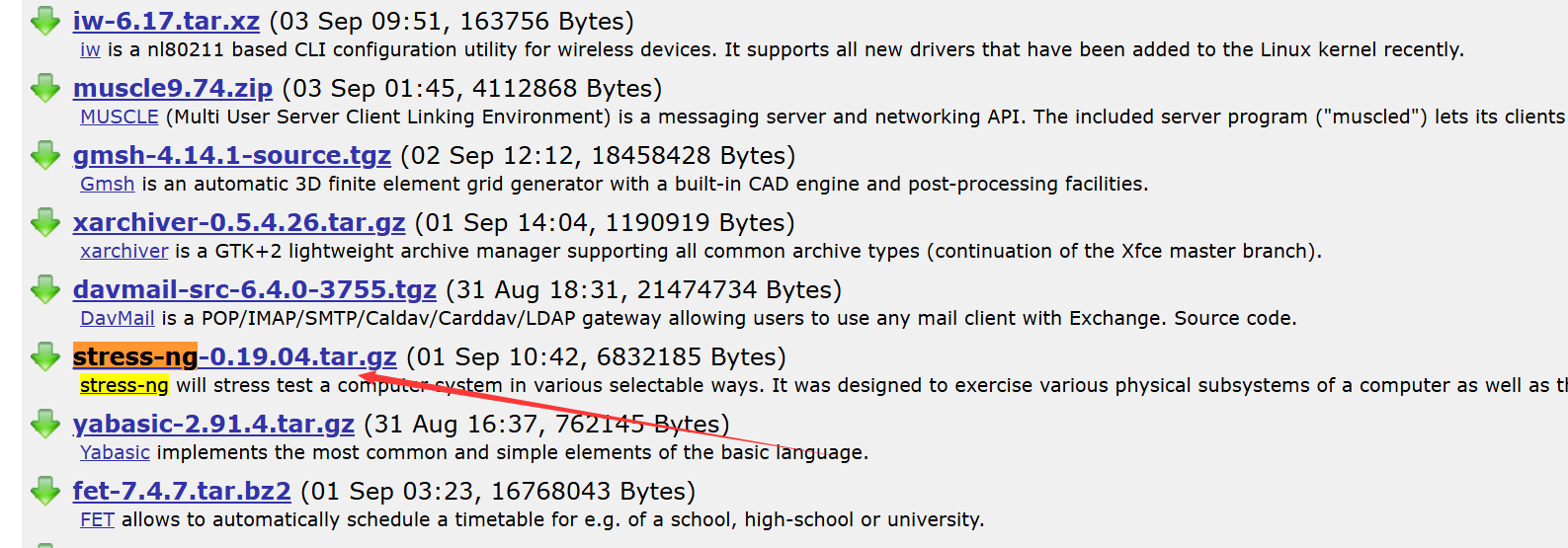
Stress-ng is a powerful stress-testing tool that performs intense testing of CPU, memory and other system resources.
Download Address:https://fossies.org/linux/privat/
core functionality:
- Multiple types of stress tests: supports CPU, memory, disk I/O and other types of stress tests.
- Flexible configuration: you can specify the length of the test, the number of concurrency and other parameters
- Detailed statistics: provide resource usage statistics during testing
dominance: A lightweight tool with easy installation and flexible parameter configuration, suitable for evaluating the stability of cloud servers under high load.
Sysbench
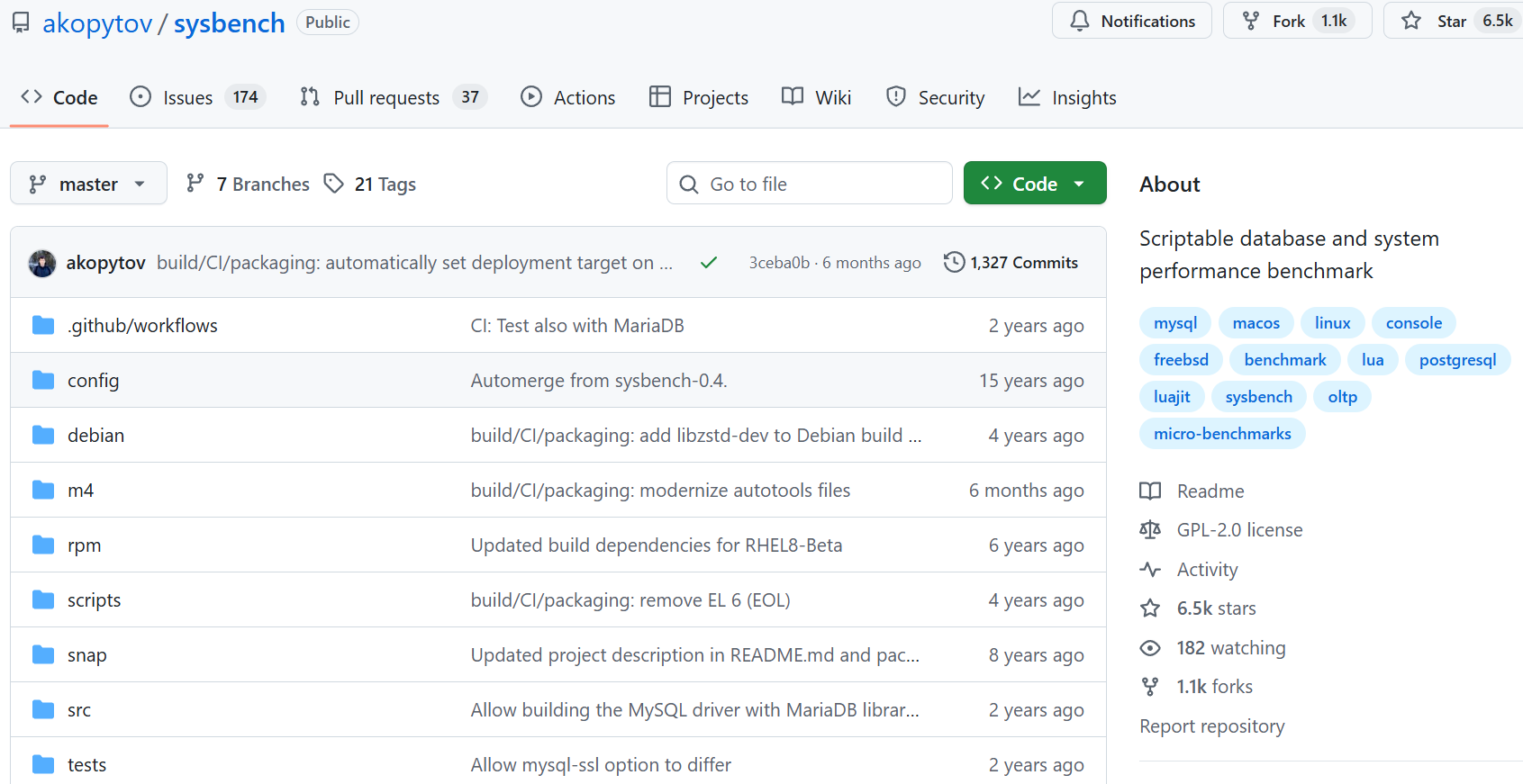
Sysbench is a modular performance testing tool that supports CPU, memory, database and other performance tests.
Official website:https://github.com/akopytov/sysbench
core functionality:
- Multi-dimensional testing: CPU compute performance, memory bandwidth, file I/O, etc.
- Customizable tests: support for customizing test parameters and scenarios
- Database Testing: Specialized testing module for MySQL and other databases performance.
dominance: Comprehensive functionality and support for multiple testing scenarios, suitable for users who need to perform in-depth performance analysis of cloud servers.
Disk I/O Performance Test Tool
Fio
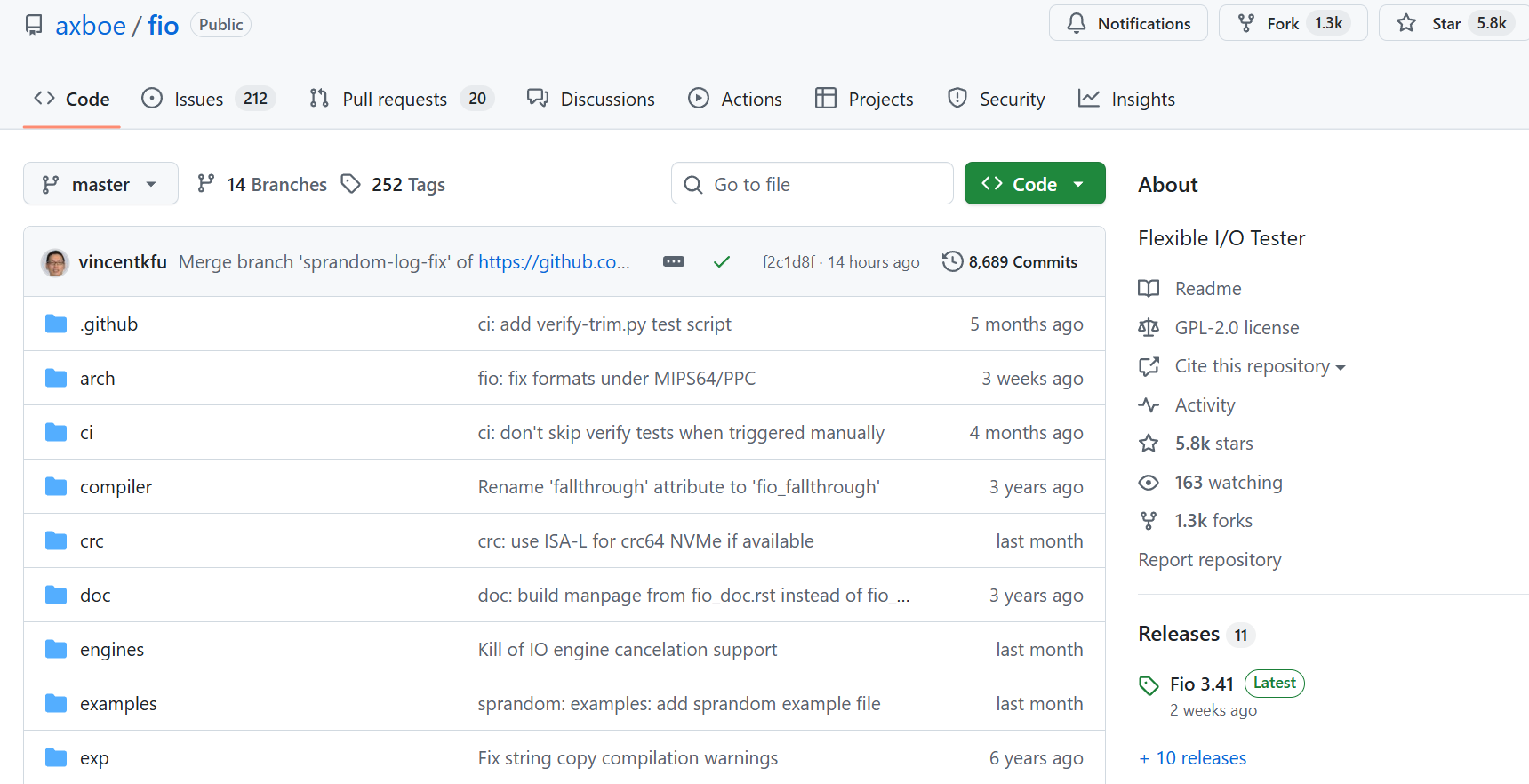
Fio (Flexible I/O Tester) is a professional disk I/O performance testing tool that is widely used to evaluate storage system performance.
Official website:https://github.com/axboe/fio
core functionality:
- Multiple I/O modes: supports random read/write, sequential read/write, etc.
- Customized testing: configurable parameters such as block size, queue depth, etc.
- Detailed reporting: provides key metrics such as IOPS, throughput, latency, etc.
dominance: Highly customizable with professional and reliable test results, suitable for evaluating local disk or cloud storage performance of cloud servers.
2. dd command
dd is a command-line tool that comes with Linux and is a simple but quick way to evaluate disk read and write performance.
core functionality:
- Sequential read/write test: test disk write speed by creating large files
- Zero cost: built into the system, no additional installation required
- Quick assessment: suitable for initial disk performance testing
usage example:
# 测试写入速度
dd if=/dev/zero of=testfile bs=1G count=1 oflag=direct

# 测试读取速度
dd if=testfile of=/dev/null bs=1G count=1 iflag=direct
Network Performance Testing Tools
iperf3
iperf3 is a professional network performance testing tool for measuring TCP and UDP bandwidth performance.
core functionality:
- Bandwidth Test: Accurate measurement of network bandwidth
- Multi-protocol support: supports TCP, UDP and other protocols.
- Bi-directional testing: upload and download performance can be tested at the same time
dominance: Cross-platform support, simple operation and accurate results are suitable for evaluating the performance of connections between cloud servers or between cloud servers and local networks.
The installation methods for different operating systems are as follows:
- Linux system:
- Ubuntu/Debian:
sudo apt install iperf3 - CentOS/RHEL:
sudo yum install iperf3 - Fedora:
sudo dnf install iperf3
- Ubuntu/Debian:
- macOS system:
It can be installed using Homebrew:brew install iperf3 - Windows system:
require a license from iperf official website Download the pre-compiled installation package, unzip it and use it (both 32-bit and 64-bit versions are included).
After the installation is complete, in a terminal or command prompt, type iperf3 -vIf you can display the version information, the installation was successful.
Speedtest-cli
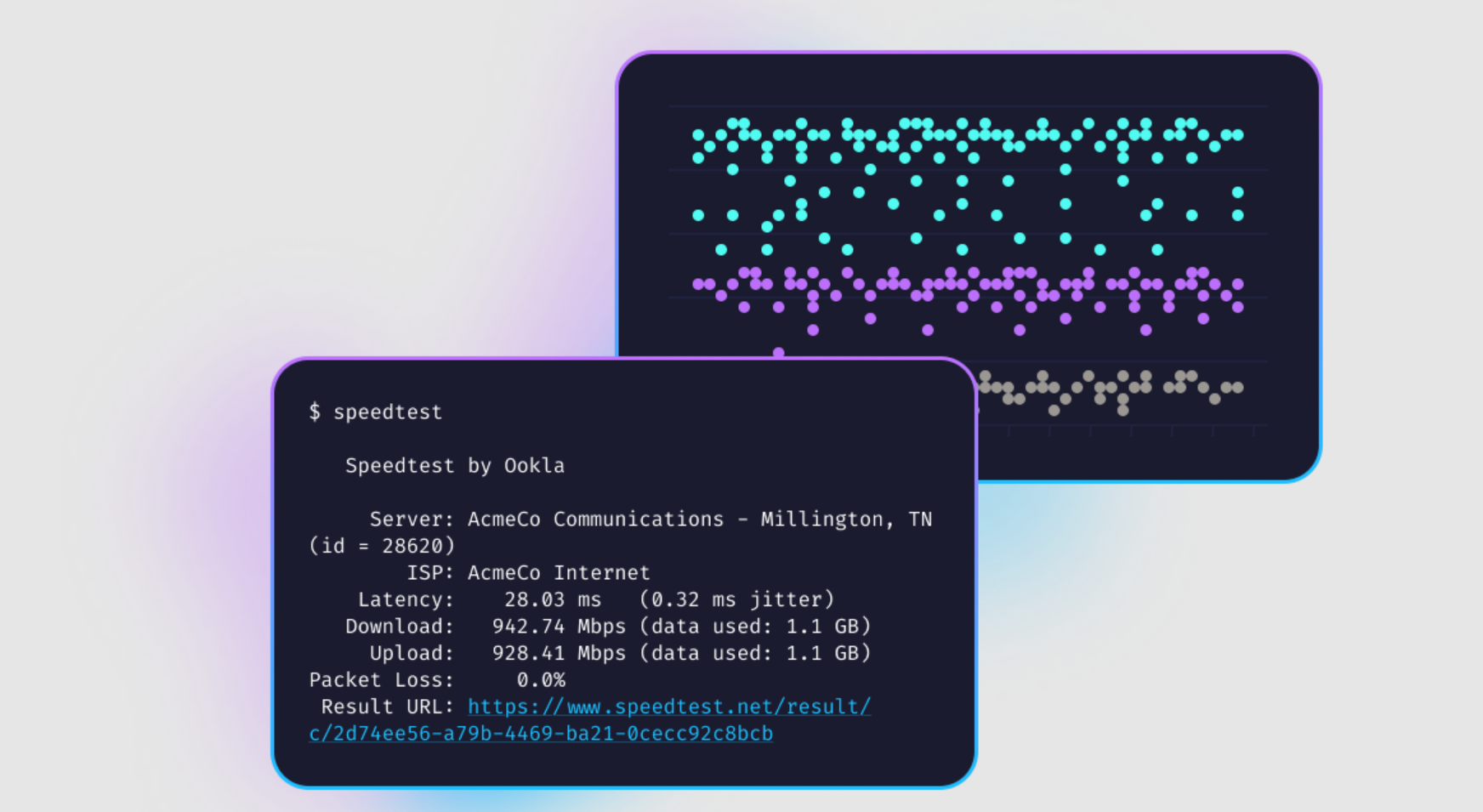
Speedtest-cli is the command-line version of the well-known Internet speed test site Speedtest, suitable for quickly testing the speed of network connections to cloud servers.
Official website:https://www.speedtest.net/zh-Hans/apps/cli
core functionality:
- Network speed test: test download and upload speeds
- Server selection: test server can be specified
- Result Export: Support exporting test results to text or JSON format.
dominance: Simple to use, no complex configuration required, and suitable for quickly understanding the network performance of cloud servers.
Cloud Native Performance Testing Tools
k6
k6 is a modern load testing tool designed for cloud-native applications and APIs.
Official website:https://k6.io/

core functionality:
- Load testing: simulating concurrent access by a large number of users
- Scripted tests: support for writing test scripts in JavaScript
- Cloud Integration: Integrates with mainstream cloud platforms
dominance: Lightweight and easily scalable for testing the performance of APIs and microservices deployed on cloud servers.
Basic Usage Flow:
- Installing k6:
- Linux:
sudo apt install k6(Debian/Ubuntu) or via the official binary package - macOS:
brew install k6 - Windows: from k6 official website Download the installation package, or use the WSL
- Linux:
- Writing test scripts(e.g.
test.js)
import http from 'k6/http';
import { check, sleep } from 'k6';

export const options = {
  vus: 10, // 虚拟用户数
  duration: '30s', // 测试持续时间
};

export default function() {
  const res = http.get('https://api.example.com/');
  check(res, { 'status is 200': (r) => r.status === 200 });
  sleep(1); // 每个请求间隔1秒
}
Run the test:k6 run test.js
View Results:
At the end of the test, the endpoint outputs a summary report that includes metrics such as response time distribution, error rate, requests per second (RPS), etc. The output can also be configured to be exported to tools such as Grafana for in-depth analysis.
k6 is especially suitable for development teams to perform performance regression testing during iteration, or to verify the stability of the system under high load before going live, and is a common tool for performance testing of cloud-native applications.
Locust
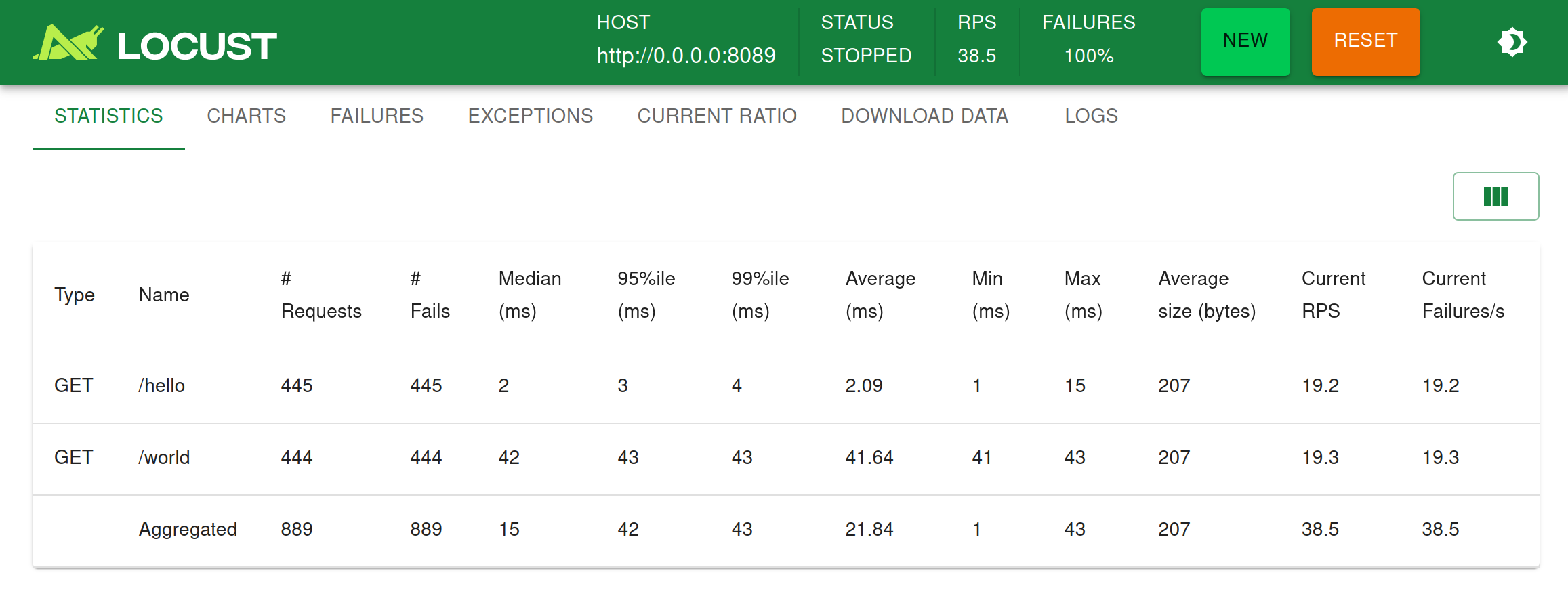
Locust is an open source load testing tool written in Python with good extensibility.
Official website:https://docs.locust.io/en/stable/
Warehouse:https://github.com/locustio/locust
core functionality:
- Distributed testing: support multiple machines to collaborate on load testing
- Code Definition Test Scenario: Defining User Behavior through Python Code
- Real-time monitoring: Provides a web interface to view test results in real time.
dominance: Highly customizable for cloud server performance testing in complex scenarios, especially for web applications.
Selection Suggestions
- preliminary assessment: For simple performance evaluation, Geekbench or UnixBench are recommended for comprehensive testing.
- specialized test:
- CPU / Memory: Stress-ng, Sysbench
- Disk I/O: Fio, dd commands
- Network Performance: iperf3, Speedtest-cli
- Application Scenario TestingFor applications deployed on cloud servers, it is recommended to use k6 or Locust for load testing close to real-world scenarios.
- continuous monitoring: Combine with monitoring tools that come with the cloud platform (e.g. AWS CloudWatch, AliCloud Monitor, etc.) to realize long-term performance monitoring
Through the reasonable use of these performance testing tools, you can get a comprehensive understanding of the performance of cloud servers and provide a scientific basis for resource allocation optimization, cost control and business expansion. In actual testing, it is recommended to combine multiple tools for testing and repeat the test in different time periods to get more accurate results.




 English