











In today's highly competitive online environment, an efficient, secure, and user-friendly WordPress website is crucial. This article will provide an in-depth analysis of a series of essential WordPress plugins that can significantly enhance your website's performance, security, and management efficiency.
Core Performance Optimization Plugins
WP Rocket: A Powerful Caching and Acceleration Tool
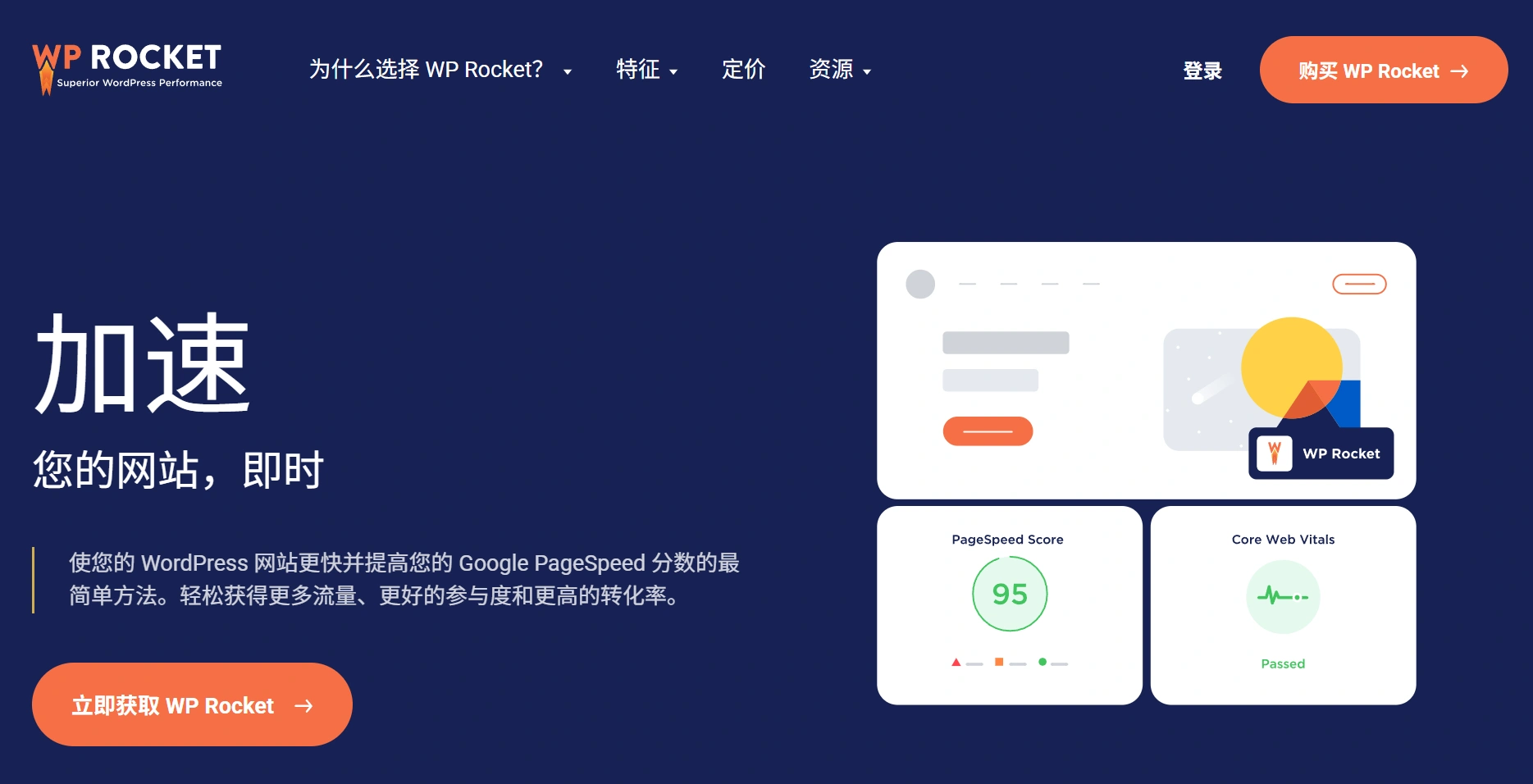
Plugin URL:Speed Up Your WordPress Site with WP Rocket
WP Rocket is one of the most powerful WordPress caching plugins on the market. It significantly improves website loading speed through page caching, browser caching, and preloading features. Simply activating it automatically applies 80% of web optimization best practices, including:
- Page caching and static file compression
- Lazy loading for images and videos
- Automatic database cleanup
- Optimization of CSS and JavaScript files
Redis Object Cache: Database Performance Enhancement

Plugin URL:Redis Object Cache – Object Cache – WordPress Plugin | WordPress.org China Simplified Chinese
draw attention to sth.
For high-traffic websites, database queries can become a performance bottleneck. Redis Object Cache dramatically reduces database query times by storing frequently used query results in memory, improving page loading speeds by several times.
Merge + Minify + Refresh: Resource File Optimization
Plugin URL:Merge + Minify + Refresh – WordPress Plugin | WordPress.org China Simplified Chinese
This plugin automatically merges and minifies CSS and JavaScript files, reducing the number of HTTP requests while maintaining developer-friendliness—changes are visible after modifying files without manually clearing the cache.
take note of
Note: The JS/CSS minification feature of the Merge + Minify + Refresh plugin conflicts with that of the WP Rocket plugin. You must choose the functionality of only one of these two plugins!
Content Management & SEO Optimization
Rank Math SEO: A Comprehensive SEO Solution
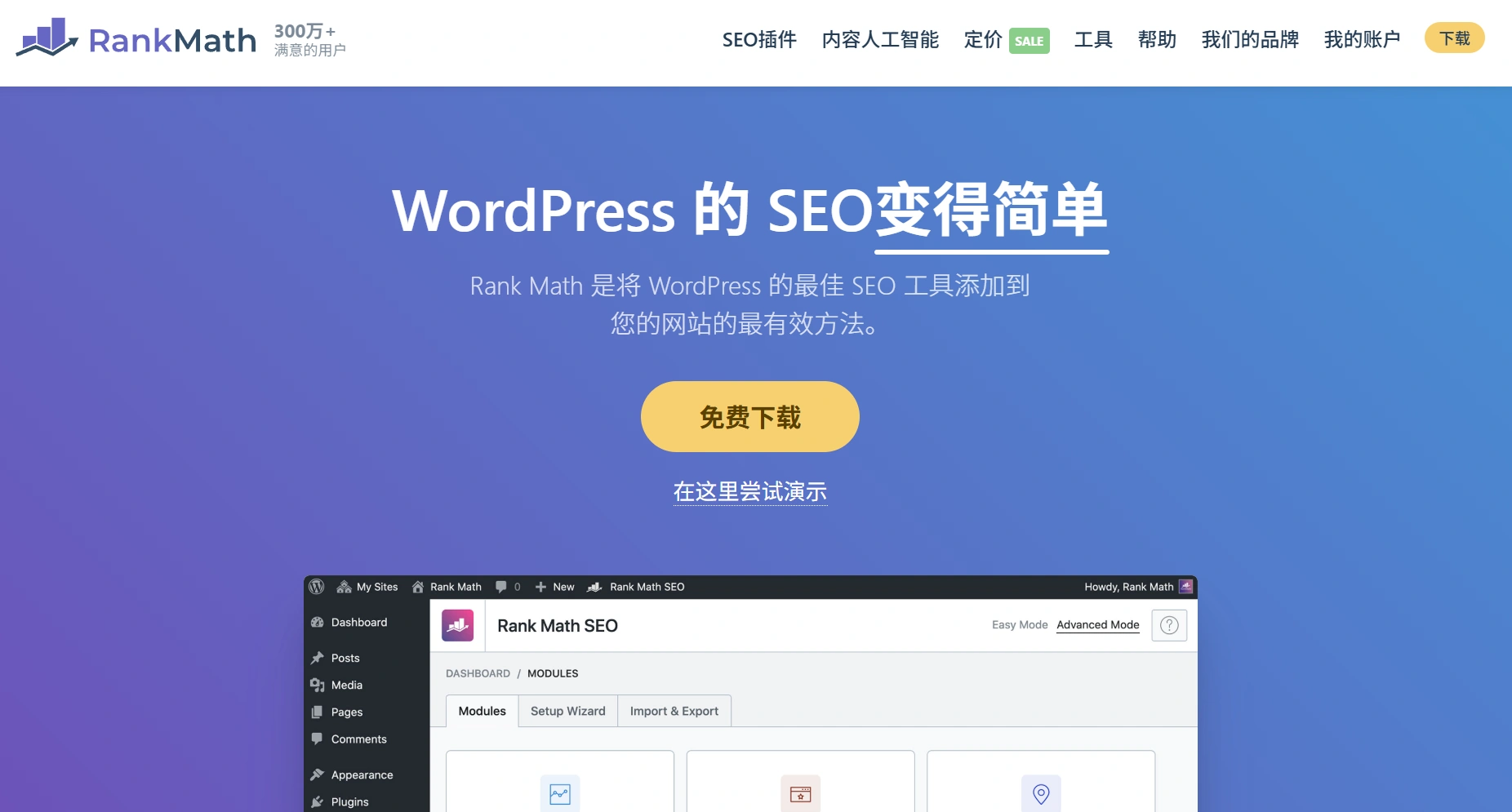
Rank Math is a feature-rich SEO plugin offering a one-stop solution from keyword optimization to sitemap generation. Its highlights include:
- Intelligent content analysis and SEO suggestions
- Rich support for schema markup
- Seamless integration with Google Search Console
- Competitor keyword analysis feature
DeepSeek AI SEO Information Generator
This plugin is a companion plugin for Rank Math, developed for internal use on this site. It requires both the ACF plugin and the Rank Math plugin to function. It utilizes the DeepSeek API to generate SEO information based on titles and content. Features include:
- Automatic generation of article summaries
- Automatic generation of Rank Math SEO titles
- Automatic generation of Rank Math SEO descriptions
- Automatic generation of SEO keywords (requires adding a text field named `site_seo_keywords` via the ACF plugin and applying it to the relevant post)
Plugin URL:https://qqcloud.lanzoum.com/b0139am24d (Password: hat2)
take note of
If only a title is provided, it will fall back as needed, generating content based solely on the title. Additionally, this is a simple, small plugin with no backend interface; the DeepSeek API must be configured within the plugin file.
Advanced Custom Fields (ACF): Flexible Content Management
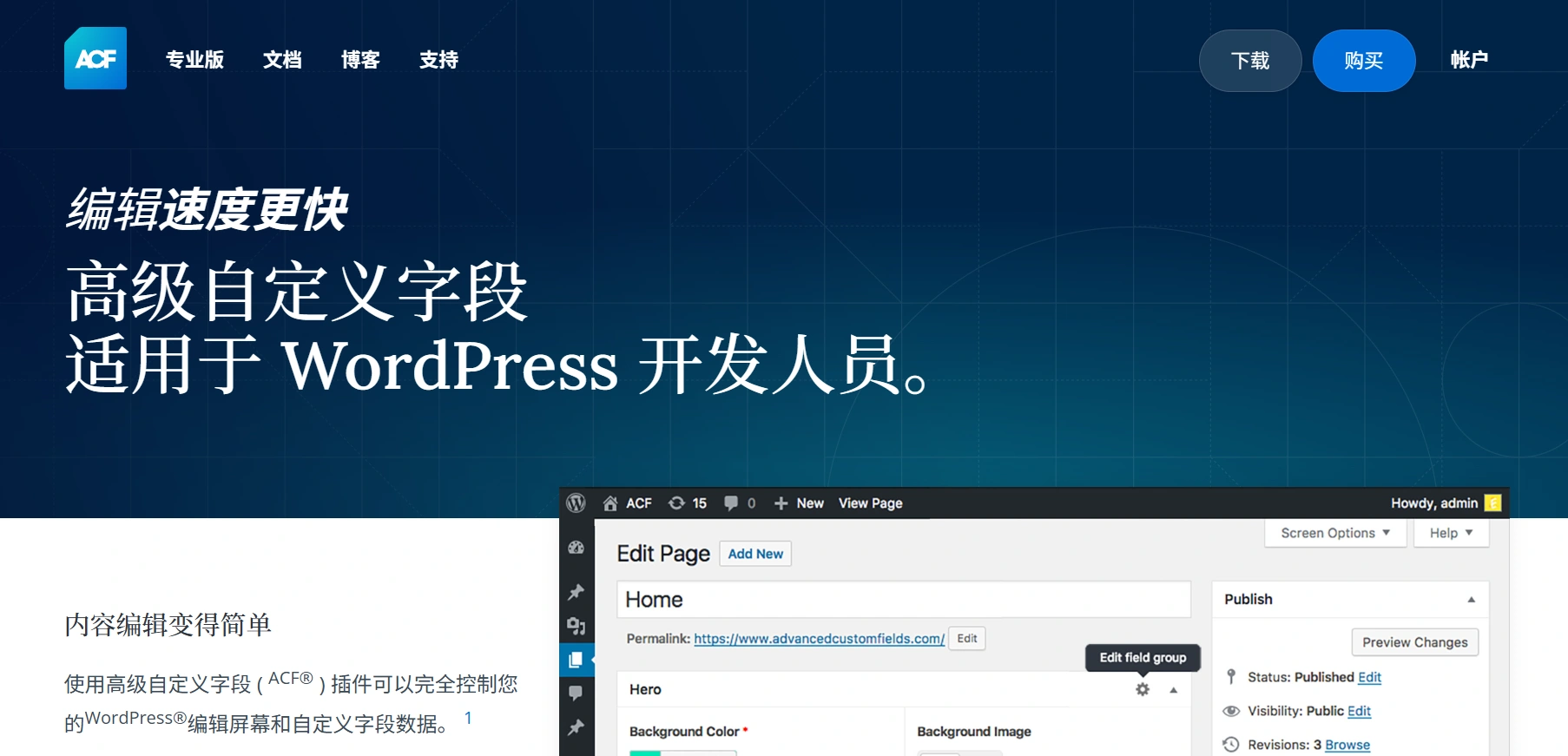
Plugin URL:Advanced Custom Fields (ACF) – WordPress Plugin | WordPress.org China Simplified Chinese
draw attention to sth.
ACF allows you to create various fields for posts, pages, and custom post types, enabling highly customized content structures. Whether creating product specification tables, team member profiles, or complex content layouts, ACF handles it with ease. This entire site is developed using the ACF plugin.
Pure Highlightjs: Elegant Code Highlighting

draw attention to sth.
For technical websites, the aesthetics and readability of code presentation are crucial. Pure Highlightjs provides clean and efficient code highlighting, supports multiple programming languages, and does not slow down the website.
Media & Storage Optimization
Plus WebP or AVIF: Modern Image Format Support
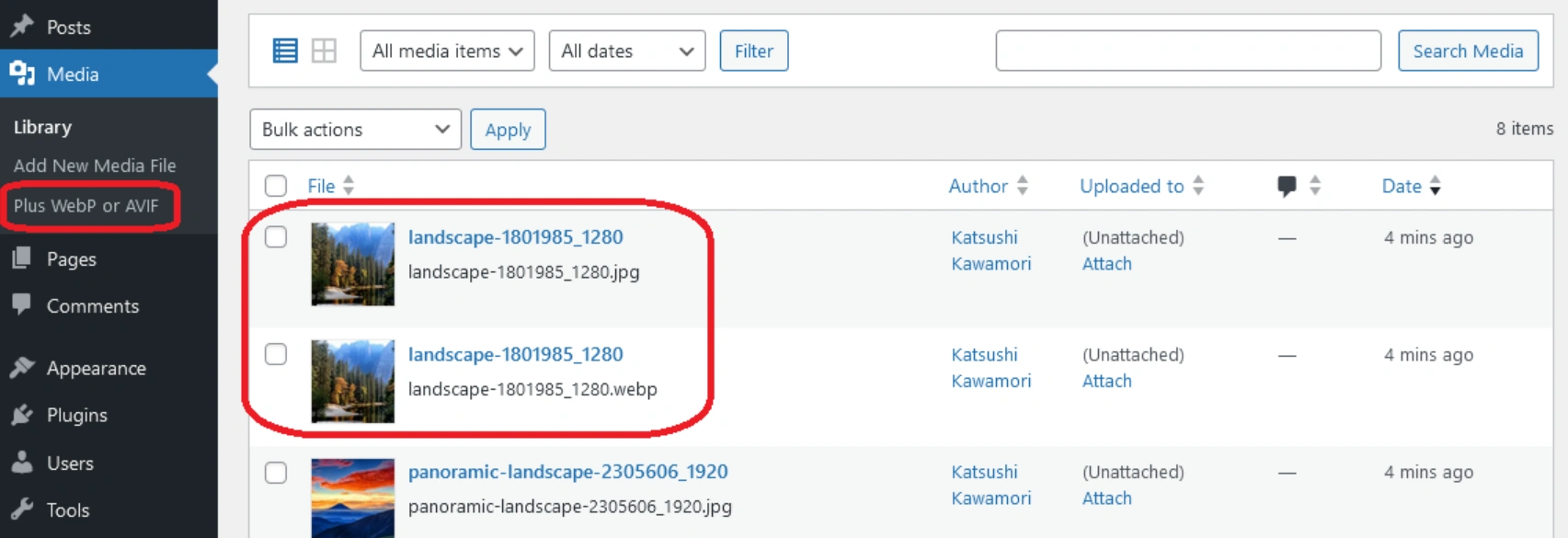
Plugin URL:Plus WebP or AVIF – WordPress Plugin | WordPress.org
draw attention to sth.
This plugin automatically converts uploaded JPEG and PNG images to the more efficient WebP or AVIF formats, reducing image size by 50-80% without quality loss, significantly improving page loading speed.
WPCOS: Tencent Cloud Object Storage Integration
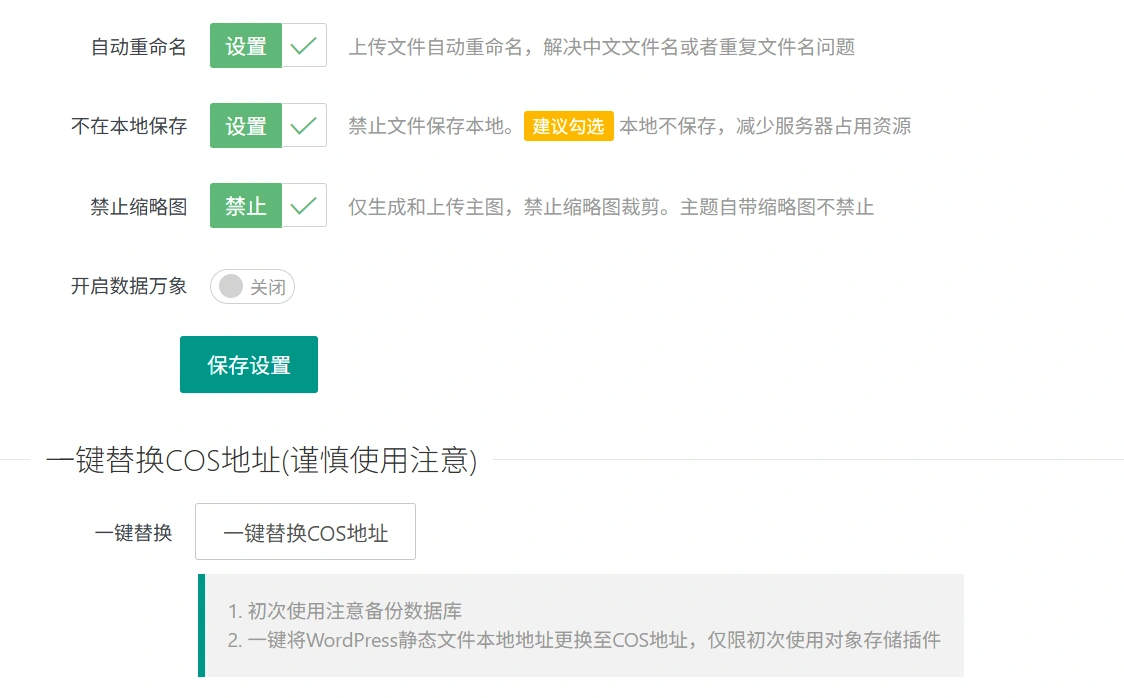
Plugin URL:WPCOS Tencent Cloud Object Storage COS – WordPress Plugin | WordPress.org China Simplified Chinese
clarification
By storing media files in Tencent Cloud Object Storage, WPCOS reduces server load and improves access speed for media files, making it particularly suitable for websites with large amounts of image and video content.
Security Enhancement Plugins
WPS Hidden Login: Enhancing Backend Security
Plugin URL:WPS Hide Login - WordPress Plugin | WordPress.org China 简体中文
draw attention to sth.
by modifyingharbor (i.e. keep sth hidden)With the default WordPress login address (/wp-admin), this simple plugin effectively blocks most automated attacks and brute-force cracking attempts, adding an important security barrier to your website.
Suggestions for plug-in combinations
For best results, it is recommended to use these plugins in combination as follows:
- Performance Optimization Portfolio: WP Rocket + Redis Object Cache + Merge + Minify + Refresh
- Media Optimization Portfolio: Plus WebP or AVIF + WPCOS
- Content and SEO PortfolioRank Math SEO + Advanced Custom Fields + Pure Highlightjs + DeepSeek SEO Leads Generation
- safety net: WPS hidden login + regular security plugins (e.g. Wordfence)
Implementation Considerations
Please take care when installing and configuring these plugins:
- Avoid activating plug-ins with overlapping functionality at the same time to avoid conflicts.
- Regularly update the plugin to the latest version
- Always back up your website before implementing major changes
- Monitor website performance metrics to ensure that optimization results are in line with expectations
concluding remarks
By properly configuring the above plugins, your WordPress website will take a quantum leap: faster loading, higher search engine rankings, easier management, and better security. Investing time in optimizing the technical foundation of your website will pay off in the long run for your online business.
take note of
Remember, plugins are great, but moderation is better. Choosing quality plugins that truly fulfill your needs and keeping your configuration lean will ensure optimal performance and stability of your website.
 English