











Do you often hear the terms “cloud server,” “ECS,” and “cloud computing” in technical discussions, but never understand what they mean? When others talk about using cloud servers to build websites and run programs, do you think it's a far-fetched technology?
Don't worry, this article will give you a comprehensive breakdown of cloud servers in the most understandable language. Whether you're a complete tech geek or a beginner who wants to go deeper, you'll find the knowledge you need here to easily figure out cloud servers and take your first steps in using them.
What is a cloud server?
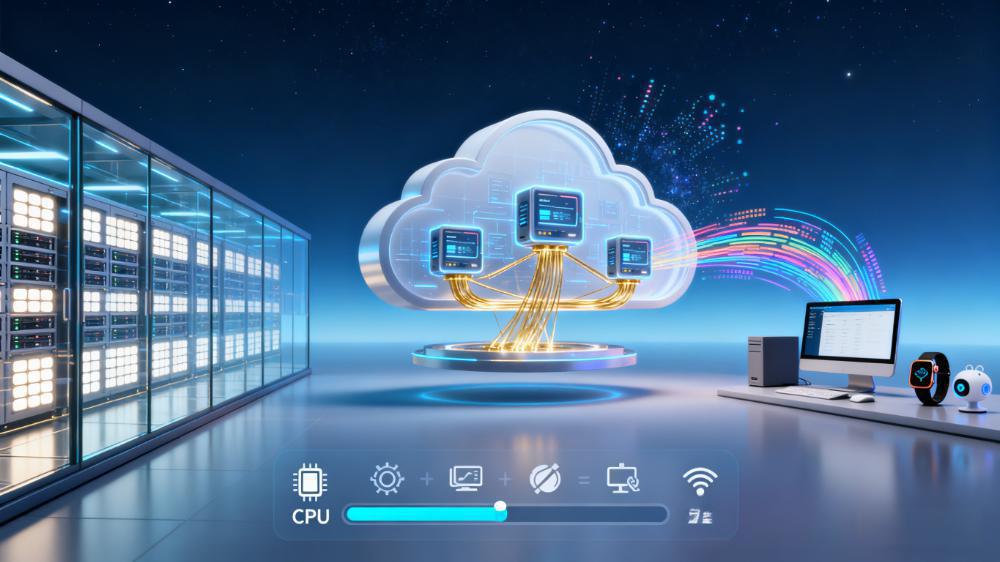
Cloud server is a kind of virtual server based on cloud computing technology, which provides users with computing, storage, network and other services through the Internet after virtualizing the resources of physical servers.
A cloud server can be compared to a virtual computer host. Just like your home computer has CPU, memory, hard disk and other hardware, the cloud server also has these virtual hardware resources, you can control it remotely through the Internet, install software, run programs, etc., the difference is that it is stored in the service provider's large-scale data center.
How do cloud servers work?
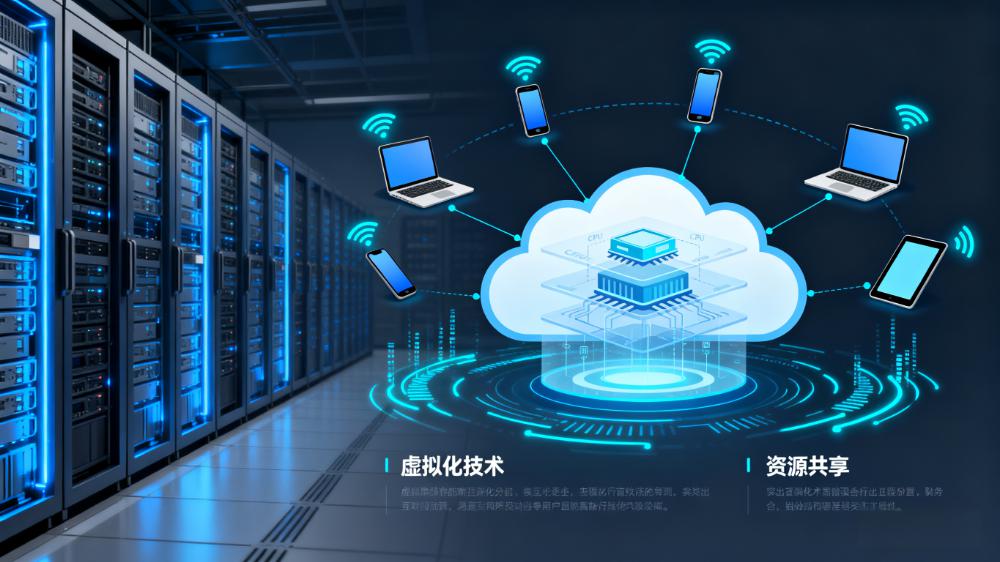
Cloud servers work based on a cloud computing platform that consists of a large number of physical servers in a cluster. When you apply for a cloud server, the cloud computing platform allocates appropriate virtual resources from the cluster to you, including CPU, memory, storage, and network bandwidth.
These virtual resources look like a separate server, but they are actually divided from the physical server through software. The cloud computing platform will unify the management and scheduling of these resources to ensure that your cloud server can run stably. When you need more resources, you can apply for expansion at any time; when you don't need so many resources for the time being, you can also scale down the configuration, which is very flexible.
What are the advantages of cloud servers?
- Elastic ScalabilityAdjust the server configuration at any time according to the business needs, whether it is to increase the CPU, memory, or expand the storage capacity, can be quickly accomplished, without the need to buy new hardware equipment as in the case of traditional servers.
- cost-effectiveness: There is no need to buy expensive physical servers and build server rooms by yourself, you only need to pay on demand, which greatly reduces the initial investment and maintenance costs. Moreover, the payment plan can be flexibly adjusted according to the actual use of the situation, avoiding the waste of resources.
- high reliability: Cloud service providers usually have multiple data centers. When one data center fails, your cloud servers can be automatically switched to other data centers to ensure business continuity. At the same time, the service provider will also provide data backup and recovery services to ensure data security.
- easy-to-useThe cloud server can be created, configured, managed and other operations can be completed through a simple control panel, no need for professional operation and maintenance knowledge, novices can also quickly get started. And the service provider will also provide rich documentation and technical support to help users solve problems.
Comparison of cloud servers and related services
| comparison term | cloud server | Traditional physical servers | Virtual Private Server (VPS) |
|---|---|---|---|
| Resource allocation | Virtual resources, elastically adjustable | Physical hardware, fixed configuration | Virtual division with a cap on resources |
| \nCost | Pay-as-you-go, low initial investment | Requires purchase of hardware and server room at high cost | Fixed and relatively low cost |
| safeguard | The service provider is responsible for maintaining | Requires self-maintenance of hardware and systems | Partial maintenance is the responsibility of the service provider |
| Flexibility | Extremely high, fast capacity expansion and contraction | Poor, need to replace hardware | General, limited capacity expansion |
| dependability | High, multi-data center backup | Lower, reliant on single hardware | Medium, affected by physical servers |
What are the application scenarios for cloud servers?
- website construction: Whether it's a personal blog, an official corporate website or an e-commerce website, it can be deployed on a cloud server. The stability and bandwidth guarantee of cloud servers can ensure that the website runs smoothly and meets the needs of different access volumes.
- application running: A variety of applications can be run on cloud servers, such as CRM systems, ERP systems, back-end services for mobile applications, and so on. The elasticity and scalability feature can cope with the load changes of the application at different times.
- Data storage and processing: Cloud servers provide high-capacity storage space that can be used to store corporate data, user information, and more. Also, data can be analyzed and processed in combination with the capabilities of cloud computing.
- Development and Testing: Developers can use cloud servers to build development and testing environments, quickly deploy code, and conduct program testing. And you can create multiple environments with different configurations as needed to improve development efficiency.
How to choose a cloud server?
- Identify needs: First of all, you need to determine the purpose for which you are using the cloud server, whether it is to build a website, run applications, or for data storage and processing, etc. Different purposes require different server configurations.
- Look at the configuration: Choose the right CPU, RAM, hard disk and bandwidth for your needs. If it is a small website, the general entry-level configuration is sufficient; if it is a large application or a high-access website, a higher configuration is required. (Refer to "Cloud Server Configuration Selection and Purchase Strategy")
- geographically dependent: Consider the region where your target users are located. Choosing a nearby server room can reduce network latency and increase access speed. If users are distributed in multiple regions, you can choose a multi-location deployment.
- depending on the budget: Choose the right payment method and configuration according to your budget. You can start with a lower configuration and then upgrade gradually as your business develops. At the same time, pay attention to the service provider's preferential activities, which can save a certain amount of cost.
A Brief Review of Mainstream Cloud Server Service Providers and Recommendations for Selection
- Ali Cloud: As a leading cloud service provider in China, the product ecology is very comprehensive, covering cloud servers, databases, storage and other areas. More enterprise users are served, stability and security are well guaranteed, and technical support is also more complete.
- Tencent cloud: It excels in terms of price/performance ratio and is especially suitable for developers and individual users. It provides cloud servers with rich configurations, a simple and easy-to-use interface, and an active community where users can exchange experiences and solve problems.
- Huawei Cloud: It has strong advantages in government affairs and state-owned enterprises, and security is its main feature. Relying on Huawei's technical strength, the performance and stability of cloud servers are also very good, and can meet the high-end needs of enterprises.
- AWS / Google Cloud: With extensive business coverage worldwide and technology at the forefront of the industry, it is suitable for enterprises with global business. However, since the servers are mainly distributed overseas, access by domestic users may be affected to some extent and the speed is relatively slow.
Suggestions for selection: If you are a personal novice, it is recommended to start with Tencent Cloud's lightweight application server, which is cost-effective, simple to operate and very easy to get started. Enterprise users can focus on the ecological support of Ali Cloud, whose rich products and services can better meet the diverse needs of enterprises. (To learn more about preferential information, click on "Summary of the latest preferential activities of mainstream cloud service providers in 2025")
Summary and Next Steps
Seeing this, you already have a comprehensive understanding of cloud servers, from the basic concepts, working principles to the advantages, application scenarios and selection methods, I believe that you have surpassed many people who are still confused. Cloud server is no longer an esoteric technology, but a practical tool you can use at any time.
Next, you can:
- Real-world shopping: If you are ready to use cloud servers, you can directly refer to the Cloud Server Buying Guide to Avoid Pitfalls, and at the same time, receive the exclusive new user discount to start your cloud server journey.
- Continue learning: If you want to know the specific operation method, the next article "Cloud Server Beginner's Manual: Remote Login and Website Setup Steps" will teach you how to do it in detail, don't miss it.
- Bookmark this article: Bookmark this article and come back to it for a refresher anytime you run into conceptual problems with your cloud server.
Frequently Asked Questions
- Do I need to maintain the cloud server myself?
There is no need to maintain the hardware by yourself, the hardware maintenance is taken care of by the service provider. However, the server's operating system, software, etc. need to be managed and maintained by the user, although the service provider will also provide some automated maintenance tools and services. - Is data secure on cloud servers?
Legitimate cloud service providers take a variety of security measures, such as data encryption, firewalls, intrusion detection, etc., to safeguard user data. Meanwhile, users can also take some security measures on their own, such as backing up data regularly and setting complex passwords. - Is it possible to run multiple applications on one cloud server at the same time?
Yes, as long as the configuration of the cloud server meets the running requirements of multiple applications, you can run them at the same time. However, attention should be paid to the reasonable allocation of resources to avoid mutual influence between applications. - What are the payment options for cloud servers?
Common payment methods include annual payment, monthly payment, hourly payment and so on. Different service providers may have different payment plans, and users can choose the appropriate payment method according to their usage.
 English