


















Choosing the right theme is a crucial step in creating a successful website, especially for newbies. A good theme should be easy to use, feature-rich and perform well. This section will introduce several WordPress themes that are especially suitable for newbies, including their features, advantages and disadvantages, and applicable scenarios to help you make the best choice.
I. Criteria for choosing a newbie-friendly theme
For newbies, the ideal theme should have the following features:
- easy-to-use: Intuitive setup interface, customizable without code knowledge.
- responsive design: It displays perfectly on all devices such as computers, cell phones and tablets.
- Quick Load: Optimized code and resources to ensure a fast loading website.
- SEO Friendly: Built-in SEO optimization features to help websites rank better in search engines.
- good support: Detailed documentation and reliable technical support are provided.
- regular update: The developers keep updating, fixing bugs and adding new features.
- high compatibility: Compatible with major plugins (e.g. Elementor, Yoast SEO, WooCommerce, etc.).
- Design Flexibility: A variety of layout and style options are available to meet different needs.
Based on these criteria, here are a few recommendations for themes that are especially good for newbies.
II. Recommended topics in detail
1. Astra (Recommendation index: ★★★★★)
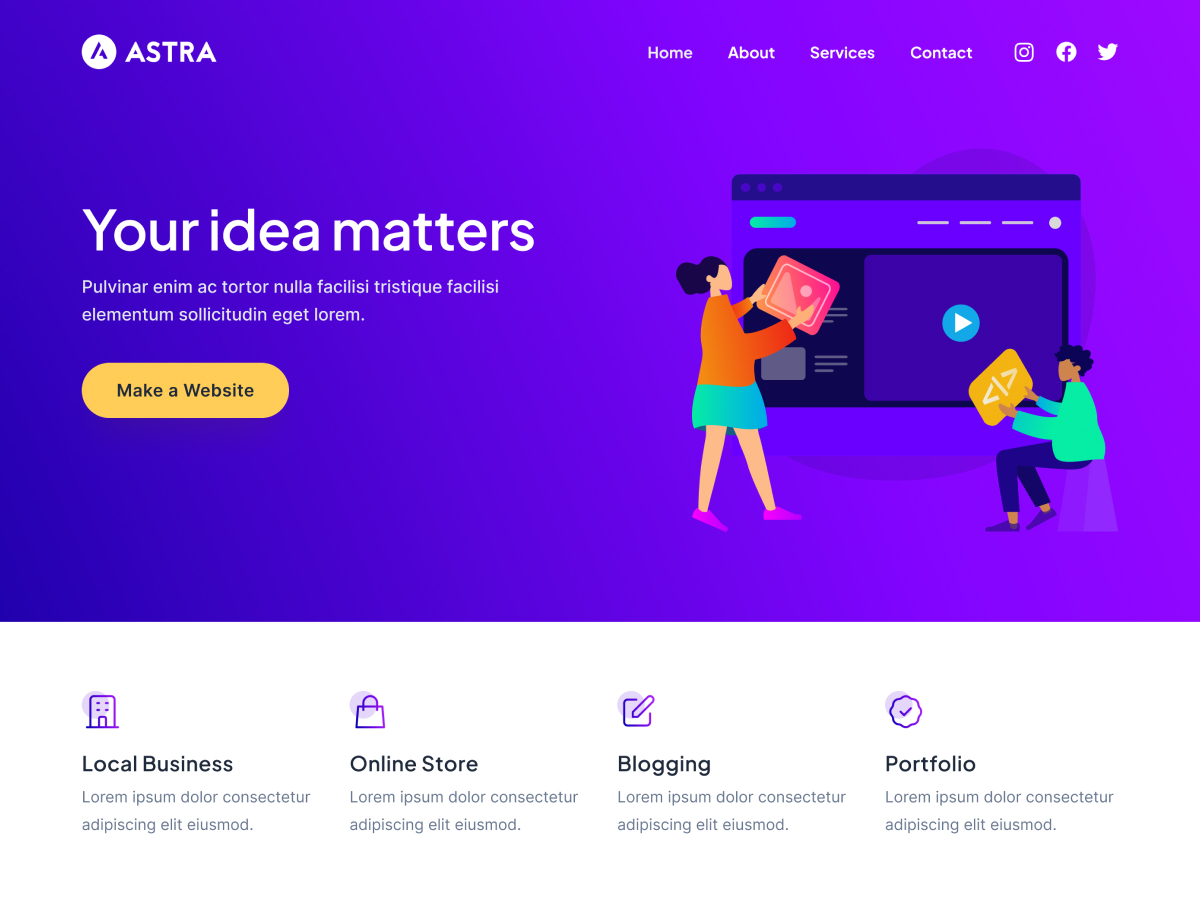
Astra is a lightweight, highly customizable WordPress theme that is especially suitable for newbies. It offers a rich set of preset templates and customization options while maintaining excellent performance.
Key Features:
- ultra-lightweight: The core theme file is only about 50KB and loads very fast.
- Rich template library: Offers 100+ professionally designed website templates covering a variety of industries and uses.
- Deep Integration Elementor: Work seamlessly with the Elementor page builder to visualize and design websites.
- Height can be customized: Easily adjust colors, fonts, layouts, and almost any other element with the customizer.
- WooCommerce Optimization: Features and templates designed specifically for e-commerce websites.
- responsive design: It displays perfectly on all devices.
- SEO Friendly: Optimized code structure andSchema.orgMarker Support.
- barrier-free access: Complies with WCAG 2.0 standards to ensure proper access for all users.
Pros:
- Excellent performance and fast loading
- Beginner-friendly interface and settings
- Rich templates and design options
- Good plug-in compatibility
- The free version is already quite functional
Drawbacks:
- Advanced features require purchase of Astra Pro (from approx. $49 / year)
- Some templates require additional plug-ins to use full functionality
Applicable Scenarios:
- personal blog
- Corporate website
- E-commerce website
- Portfolio Showcase
- Online course website
Download Address:
- Free Edition:WordPress.org
- Paid Version:Astra Official Website
2. GeneratePress (recommended index: ★★★★★)
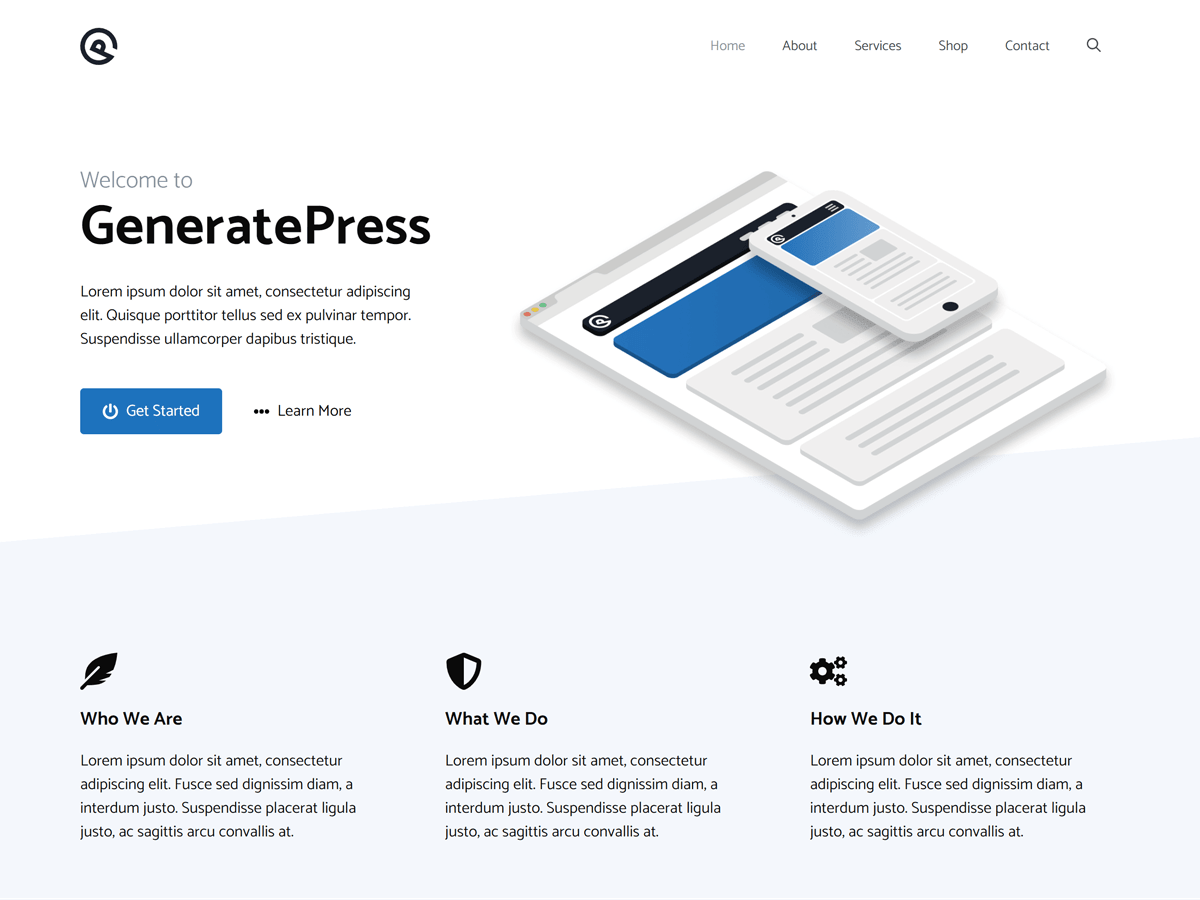
GeneratePress is another great lightweight theme for newbies, known for its speed, flexibility and ease of use. It offers a clean interface and powerful features that are ideal for creating professional websites.
Key Features:
- Extreme Lightweight: The core theme is only about 30KB, which has a minimal impact on performance.
- modular design: Load function modules on demand to avoid unnecessary resource consumption.
- Powerful Customizer: Intuitive customization options to adjust the appearance of your website without code.
- default layout: Offers a variety of pre-designed layouts to get started with website design quickly.
- WooCommerce Support: Built-in e-commerce functionality to easily create an online store.
- Multi-device preview: Preview the display on different devices in real time in the customizer.
- Accessibility Ready: WCAG 2.0 compliance ensures that the site is available to all.
- Developer Friendly: Provides a rich set of hooks and filters for advanced customization.
Pros:
- Extremely fast loading speed
- Simple and intuitive user interface
- Outstanding Performance and SEO Performance
- Powerful customization options
- Excellent technical support
Drawbacks:
- Premium features require purchase of GeneratePress Premium (from approx. $59 / year)
- Relatively few preset templates, relying heavily on customization
Applicable Scenarios:
- personal blog
- Corporate website
- content site
- E-commerce website
- Almost any type of website
Download Address:
- Free Edition:WordPress.org
- Paid Version:GeneratePress Official Website
3. Twenty Twenty-Three (Recommendation index: ★★★★☆)
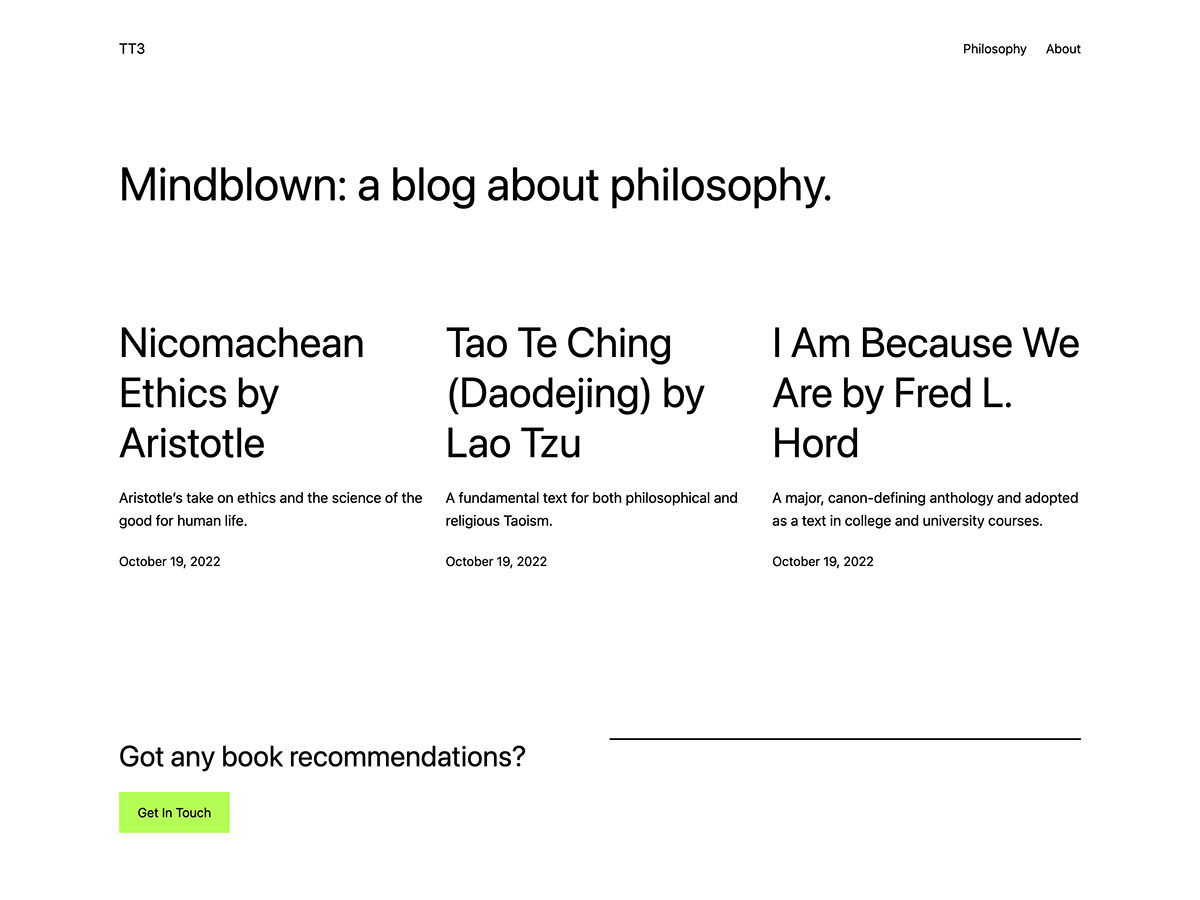
Twenty Twenty-Three is the official default theme developed by WordPress and released as part of WordPress 6.1. It is built on the new Site Editor, which takes full advantage of Full Site Editing features.
Key Features:
- Site-wide editing: Use the block editor to customize every part of your website, including the header, footer and sidebar.
- Built-in style variants: Provide a variety of pre-set styles to switch the overall style of the site with one click.
- block theme: A block-based architecture that integrates seamlessly with the latest WordPress block editor.
- responsive design: It displays perfectly on all devices.
- barrier-free access: Meet the highest standards of accessibility.
- No additional plug-ins required: Many common features can be realized without installing additional plug-ins.
- continuous updating: As an official theme, it will be updated and improved along with the WordPress core.
Pros:
- Totally free
- Deep integration with WordPress core
- Full customization without code
- Regular updates and security patches
- Good performance and loading speed
Drawbacks:
- Site-wide editing may have a learning curve for novices
- Relatively few advanced features, dependent on plugin extensions
- Customization is less flexible than some specialized themes
Applicable Scenarios:
- personal blog
- Small Business Website
- content creator
- Newbies who want to try site-wide editing
Download Address:
- Free Edition:WordPress.org
- Pre-installed in WordPress 6.1 and above
4. Neve (Recommendation index: ★★★★☆)
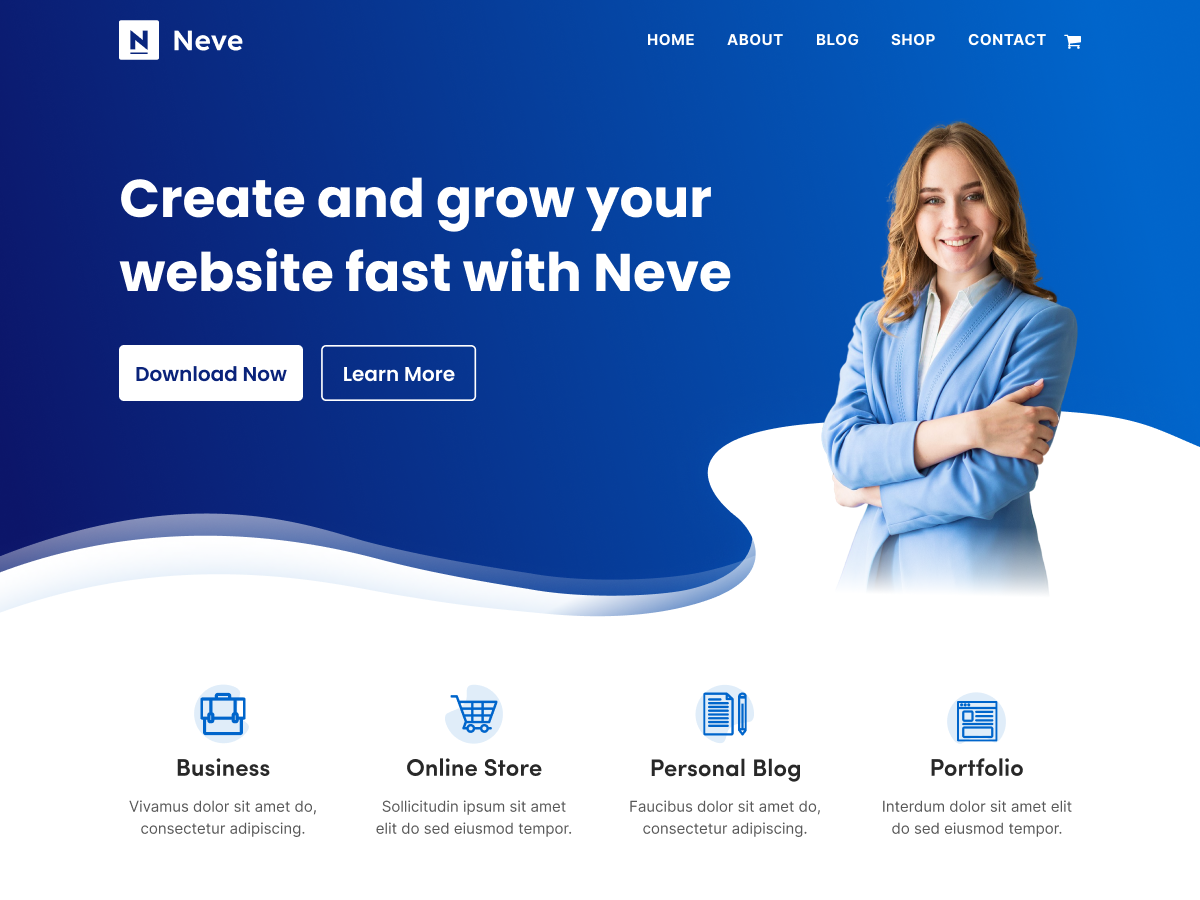
Neve is a modern, lightweight WordPress theme optimized for speed and performance. It offers an intuitive interface and rich functionality, and is especially suitable for newbies and those who are focused on site performance.
Key Features:
- Lightning speed.: Optimized code and resources to ensure fast loading.
- Intuitive customization: Easily adjust all aspects of the site with the customizer.
- Library of preset templates: A wide range of industry-specific templates are available for quick-launching websites.
- WooCommerce Integration: Features and design optimized specifically for e-commerce sites.
- AMP Compatible: Supports accelerated mobile pages to enhance the mobile user experience.
- SEO Friendly: Optimized code structure to help improve search engine rankings.
- responsive design: It displays perfectly on all devices.
Pros:
- Excellent performance and loading speed
- Newbie-friendly interface
- Rich selection of templates
- Good plug-in compatibility
- Free version is feature-rich
Drawbacks:
- Some advanced features require the purchase of Neve Pro (from approx. $69 / year)
- Some templates require additional plugins to be installed
Applicable Scenarios:
- personal blog
- Corporate website
- E-commerce website
- Portfolio Showcase
- Online course website
Download Address:
- Free Edition:WordPress.org
- Paid Version:Neve Official Website
5. OceanWP (Recommendation index: ★★★★☆)
OceanWP is a powerful and highly customizable WordPress theme that is especially suitable for creating professional websites. It offers a rich set of features and templates while maintaining good performance.
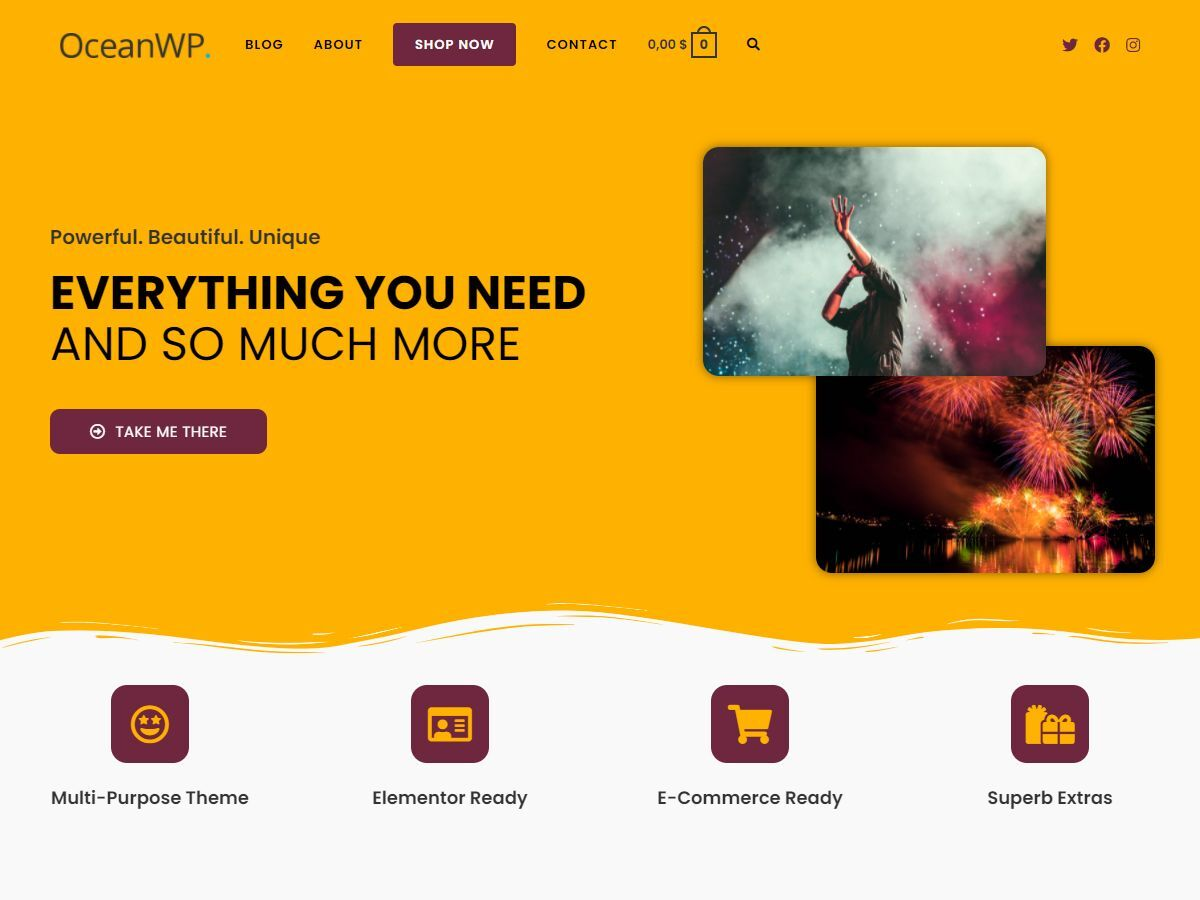
Key Features:
- Multi-purpose design: Suitable for all types of websites, from blogs to e-commerce.
- Rich extensions: Offers a variety of free and paid extensions that enhance the theme's functionality.
- WooCommerce Optimization: Features and templates designed specifically for e-commerce websites.
- responsive design: It displays perfectly on all devices.
- Intuitive customization: Easily adjust the appearance of your website with the customizer.
- SEO Friendly: Optimized code structure andSchema.orgMarker Support.
- Quick Load: Optimized code and resources to ensure fast loading.
Pros:
- Rich functionality and customization options
- Good performance and loading speed
- Excellent WooCommerce Support
- Active community and support
- Free version is feature-rich
Drawbacks:
- Premium features require the purchase of extensions (purchased separately or by subscribing to the OceanWP Core Extensions Bundle, from approx. $39 / year)
- Too many options may overwhelm newcomers to the program.
Applicable Scenarios:
- personal blog
- Corporate website
- E-commerce website
- Portfolio Showcase
- News and magazine websites
Download Address:
- Free Edition:WordPress.org
- Paid Version:OceanWP Official Website
III. Recommendations for theme selection
When choosing a topic, it should be based on a combination of your specific needs and skill level:
1. Recommended if you are a pure novice:
- Astra: The most balanced option, with excellent ease of use and feature richness.
- GeneratePress: If you are particularly concerned about site speed and performance.
- 20 Twenty-Three: If you want to use the latest site-wide editing features and have a limited budget.
2. Selection is based on the type of site:
- personal blog: Astra, GeneratePress, Twenty Twenty-Three are all great fits.
- Corporate website: Astra, GeneratePress, and OceanWP offer more commercial features.
- E-commerce website: Astra, GeneratePress, OceanWP all have excellent WooCommerce support.
- Portfolio Showcase: Astra, Neve provide specialized portfolio templates.
3. Selection based on budget:
- zero budget: Astra Free, GeneratePress Free, Twenty Twenty-Three (totally free).
- Limited budget($50-$100): Astra Pro, GeneratePress Premium.
- Higher budget: Consider premium versions of these themes or other high-end themes like Divi, Avada, etc.
IV. Frequently Asked Questions for Newcomers
1. Are the free themes enough?
For most newbies and simple websites, free themes are usually enough. the free versions of themes like Astra, GeneratePress, etc. offer a wealth of features to create professional looking websites. Only consider upgrading to the paid version if you need specific advanced features.
2. How can I tell if the theme is suitable for my site?
- View Demo: Visit the theme's demo site to learn about its design and functionality.
- Read reviews: Check out the reviews of other users to understand the pros and cons of the theme.
- Checking the frequency of updates: Choose a theme with recent updates to ensure security and compatibility.
- Test compatibility: Make sure the theme is compatible with the plugins you need.
3. Can the theme be changed at any time?
Yes, you can change the theme at any time. Changing the theme will not affect the content of your website, it will only change the appearance and layout. However, before changing the theme, it is recommended to backup your website in case of problems.
4. Does installing multiple themes affect site speed?
Installing multiple themes will not in itself affect the speed of the site, as only active themes will be loaded. However, for security and ease of management, it is recommended to keep only the themes that are in use and likely to be used, and delete the ones you don't need.
5. What is the relationship between themes and page builders?
Themes control the overall design and functionality of your website, while page builders (e.g. Elementor, Beaver Builder) allow you to visually design and edit individual pages. Many modern themes (e.g. Astra, GeneratePress) are deeply integrated with mainstream page builders to provide even more powerful design capabilities.
wrap-up
Choosing the right theme is an important step in creating a successful website. For newbies, Astra, GeneratePress and Twenty Twenty-Three are particularly recommended choices that balance ease of use, functionality and performance.
When choosing a theme, consider your specific needs, skill level, and budget. In most cases, it's wise to start with the free version and then consider upgrading to a paid version or a more advanced theme as your site grows.
Remember, the theme is just the foundation of your website, quality content and a good user experience are the keys to success.
 English